Notes
Every note on the neck, from the string names to the frets past 12.
Learn every note on your guitar or bass, then the intervals, chords and scales built on them. One short session a day.
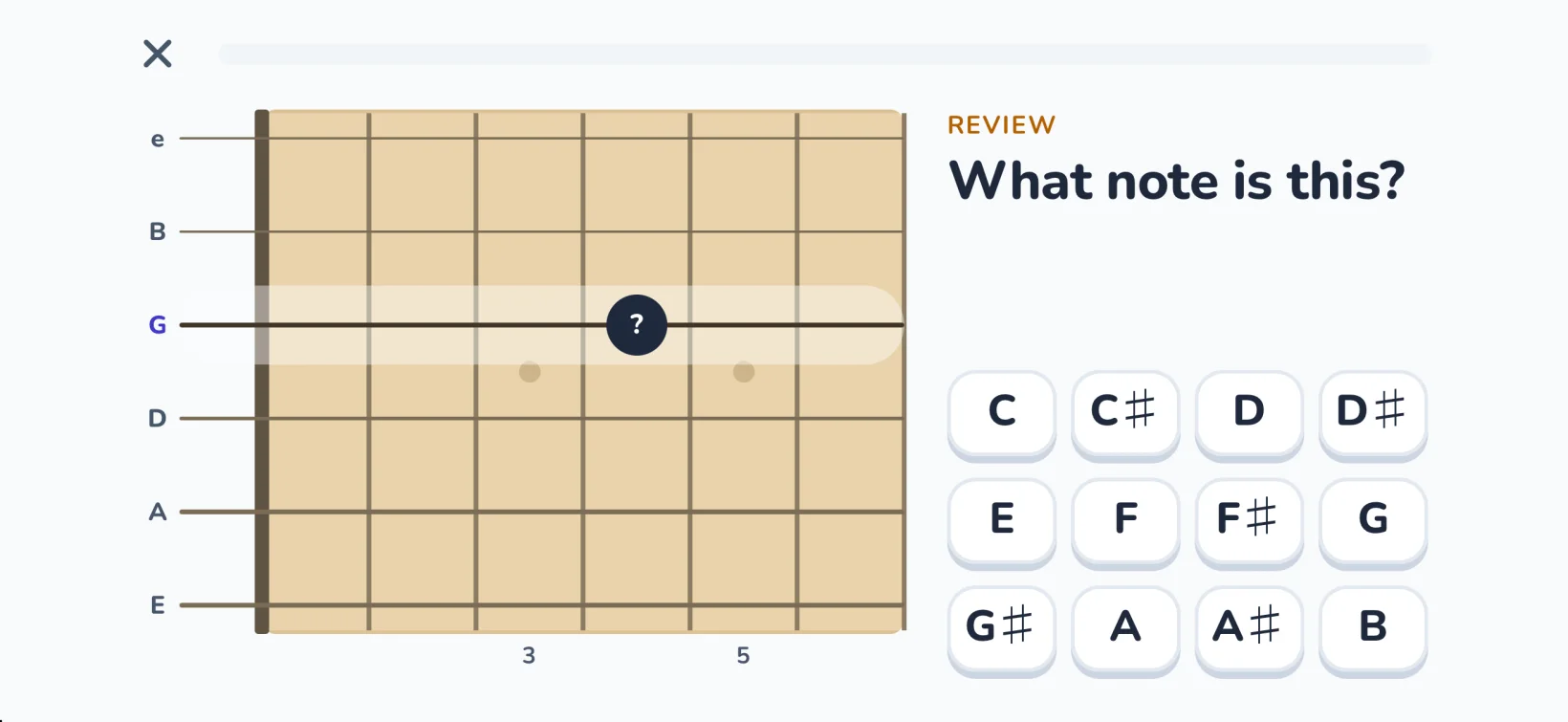
You know the shapes. You know the songs. But ask for a C on the A string and you start counting up from the open string.
Counting works just well enough that it never turns into knowing. Fretboard Trainer breaks the habit by asking you, again and again, until the answer is instant.
Every lesson
Learn it
Each lesson shows you the idea on the neck, lets you try it with hints, then checks what you know. A two-minute level check skips what you already know.
Every day
Practice it
One short session a day, sized to the 2, 5 or 10 minutes you have. You always know what to practice next.
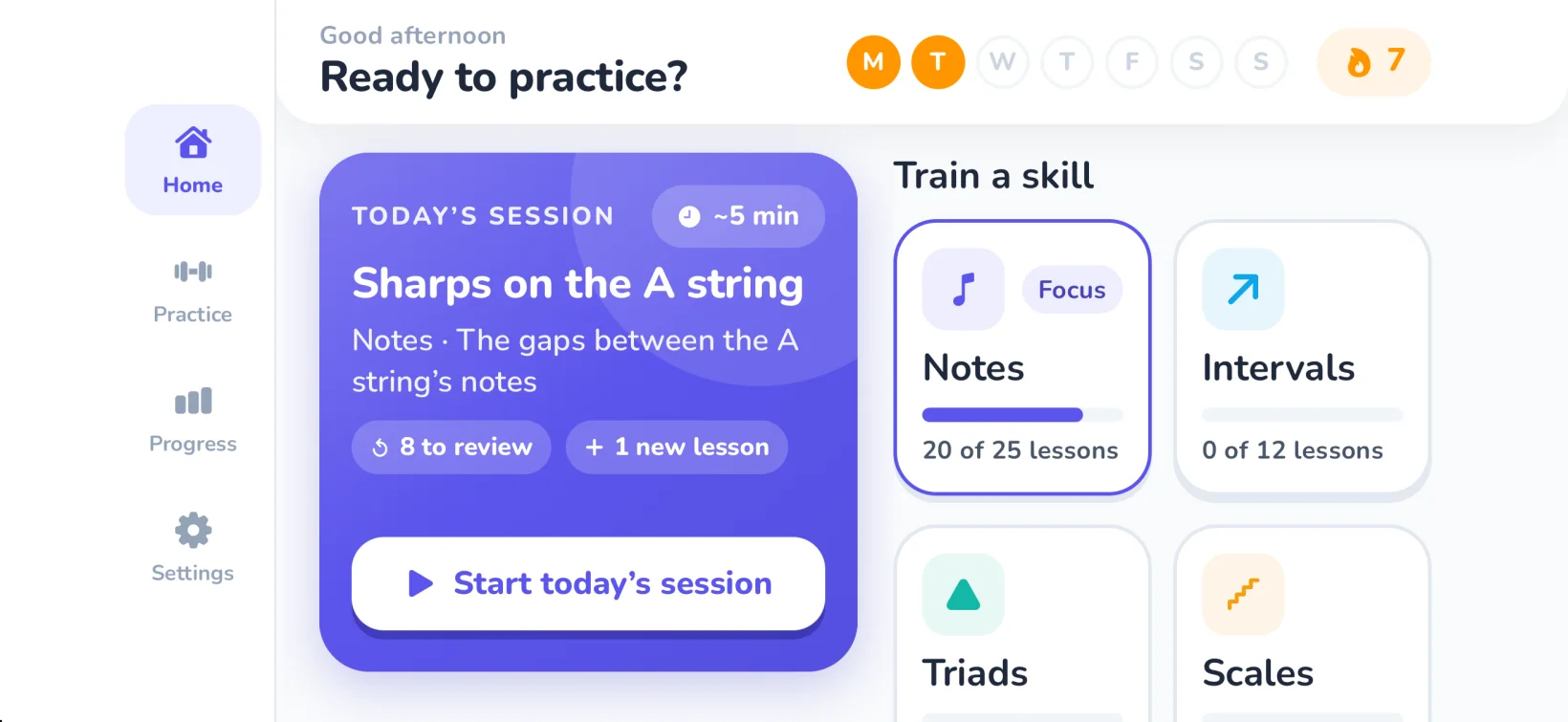
Until it sticks
Keep it
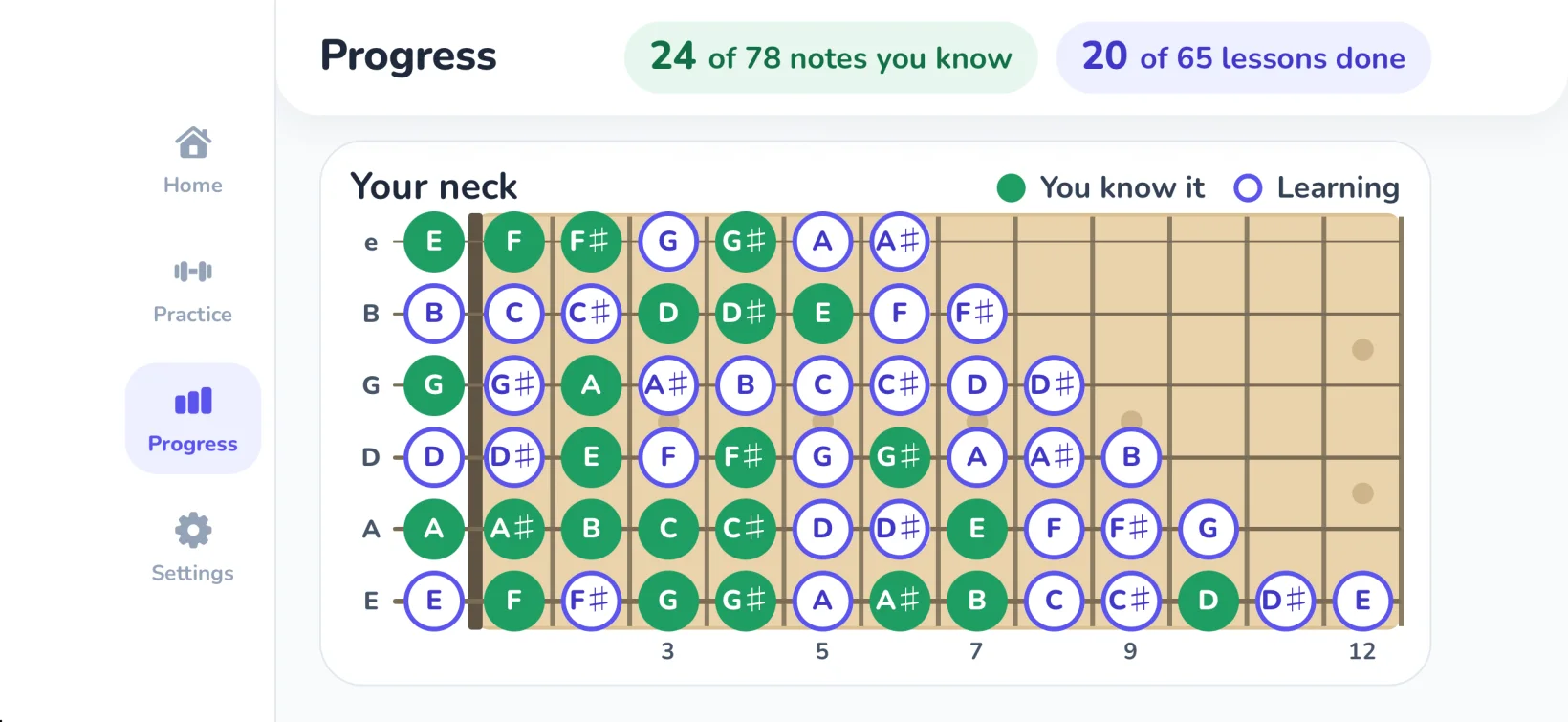
The notes you miss come back just before you’d forget them, until you know them. Watch your neck fill in as every note you know lights up.
Over 60 step-by-step lessons across five skills, each built on the last.
Notes
Every note on the neck, from the string names to the frets past 12.
Intervals
Half step to octave, tritone included. See and hear the shapes.
Triads
Major, minor, diminished and augmented, with inversions, in three places up the neck.
Scales
Major, minor, pentatonics and blues, in positions your hand can reach.
Arpeggios
Major and minor, plus dominant 7, major 7 and minor 7.
Eight questions, four beats each. Get one right and the tempo picks up. This is how every session in the app feels.
Find C on the high E string
Tap the fret. The clock starts after your first answer.
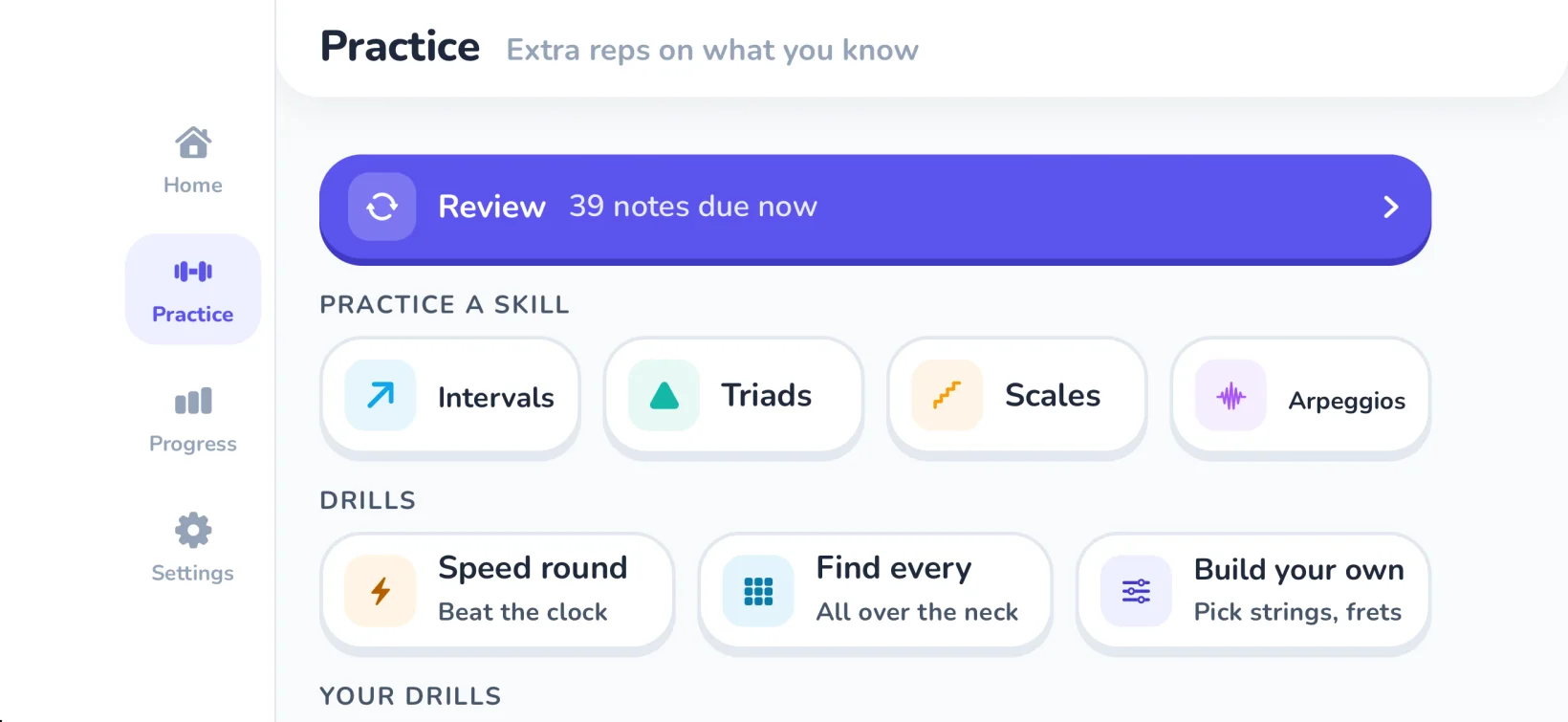
Extra reps on what you know: Speed Round against the clock, Find Every to tap every place a note lives, and drills you build and save yourself.
Guitar or bass.
6-string guitar, or 4- and 5-string bass. Low string to high:
Alternate tunings.
Build your own drills in other tunings.
Add Dorian and Mixolydian scales to your own drills, too.
Hear every note
Every note, interval and chord plays as you learn it.
Left-handed mode
Mirrors the neck so it looks like yours.
Sharps or flats
Show notes the way you read them.
Daily reminders
Optional, at a time you choose.
“15 years playing and I still had to count frets to find a note. Not anymore. Wish I'd found this years ago.”
 Mark
Mark“Covers band, and the bandleader calls keys mid-song. I used to freeze every time. Way better now. Still slow above the 9th fret but getting there.”
 Diane
Diane“Bass player. Knew the shapes, not the notes. Walking lines make a lot more sense now 👍”
 Jordan
Every note on the neck first, then intervals, triads, scales and arpeggios, in over 60 step-by-step lessons.
Yes. It supports 4- and 5-string bass as well as 6-string guitar.
No. It works without your instrument in hand, so you can practice anywhere.
One short session a day, sized to the 2, 5 or 10 minutes you have. Optional reminders help you keep the streak.
A two-minute level check skips what you already know, and you can test out of any lesson.
Yes. Left-handed mode mirrors the neck.
It’s free to download. A subscription is required to use it, and new subscribers may be eligible for a free trial. Cancel any time in your Apple Account settings.
iPhone and iPad with iOS 16.4 or later.
Free to download for iPhone and iPad. A subscription is required to use Fretboard Trainer, and new subscribers may be eligible for a free trial.